Built around the dashboard you already use

SEO content operations, from keyword to reviewed CMS draft.

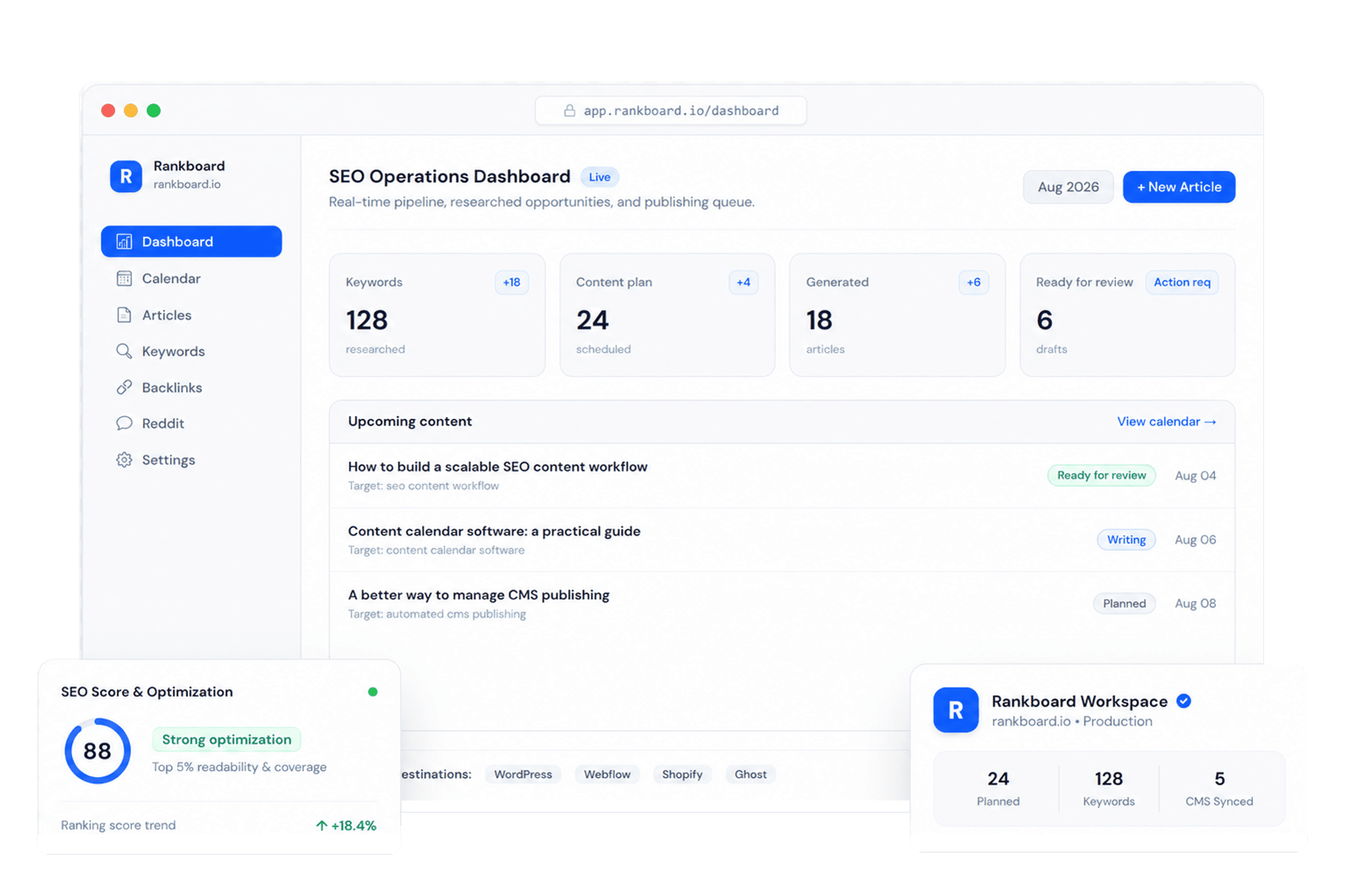
Rankboard turns your project brief into keyword opportunities, calendar slots, article drafts, Search Console telemetry, and controlled publishing workflows.

SEO content operations
Plan, review, and publish from one dashboard.
Human reviewCMS drafts
Content calendar
Slots filled from researched keywords
Draft mode
MonPlanned
Review keyword backlog
WedWriting
Draft buyer guide
FriReview
Publish CMS draft
Keyword lab
Search volume, topic, and difficulty
Ready to add
content operations platform
1,900
18
seo content calendar
720
21
automated article workflow
480
16
Article review
Score checks before publishing
92
Headings
Structure
Terms
Internal links
Article controls
AI images
YouTube embeds
Goal pages
Search Console
The reality

SEO breaks when the workflow lives in too many places.

Most content teams do not lose because they lack ideas. They lose because keyword research, planning, drafting, review, telemetry, and publishing are split across tools that never agree with each other.

Running content the old way
High-friction work that slows output:
Researching keywords in a separate tool
Planning articles in spreadsheets
Copying drafts into the CMS by hand
Publishing without a review checkpoint
Guessing what changed in Search Console
Rebuilding the same workflow for every site
SEO work that can still be good - but is too fragile to scale.
vs
Background
Rankboard
All-in-one SEO automation platform
All done for you:
Keyword lab with volume and difficulty
Calendar slots filled from the backlog
Generated articles held for review
Draft or publish mode for connected CMSs
Search Console connection per project
Multi-project workspace controls
A connected operating system - with review before anything goes live.
1
Workspace for keywords, drafts, and publishing
5
Publishing targets: WordPress, Ghost, Webflow, Shopify, Webhook
9
Image styles available for generated visuals
50+
Language options for localized projects
How it works

The dashboard is the workflow.

Rankboard does not ask you to trust a black box. It keeps the strategy, schedule, article state, review controls, and publishing settings visible in one place.

1. Project context

Start with the business, audience, market, and language

Rankboard keeps the project brief, target market, language, publishing days, and goal pages together. That context guides the keyword backlog, draft structure, image choices, and calls to action.

Project name
Rankboard
Market
United States / English
Publishing days
Mon, Wed, Fri
Goal pages
Pricing, register, demo
2. Keyword lab

Review opportunities before they enter the content plan

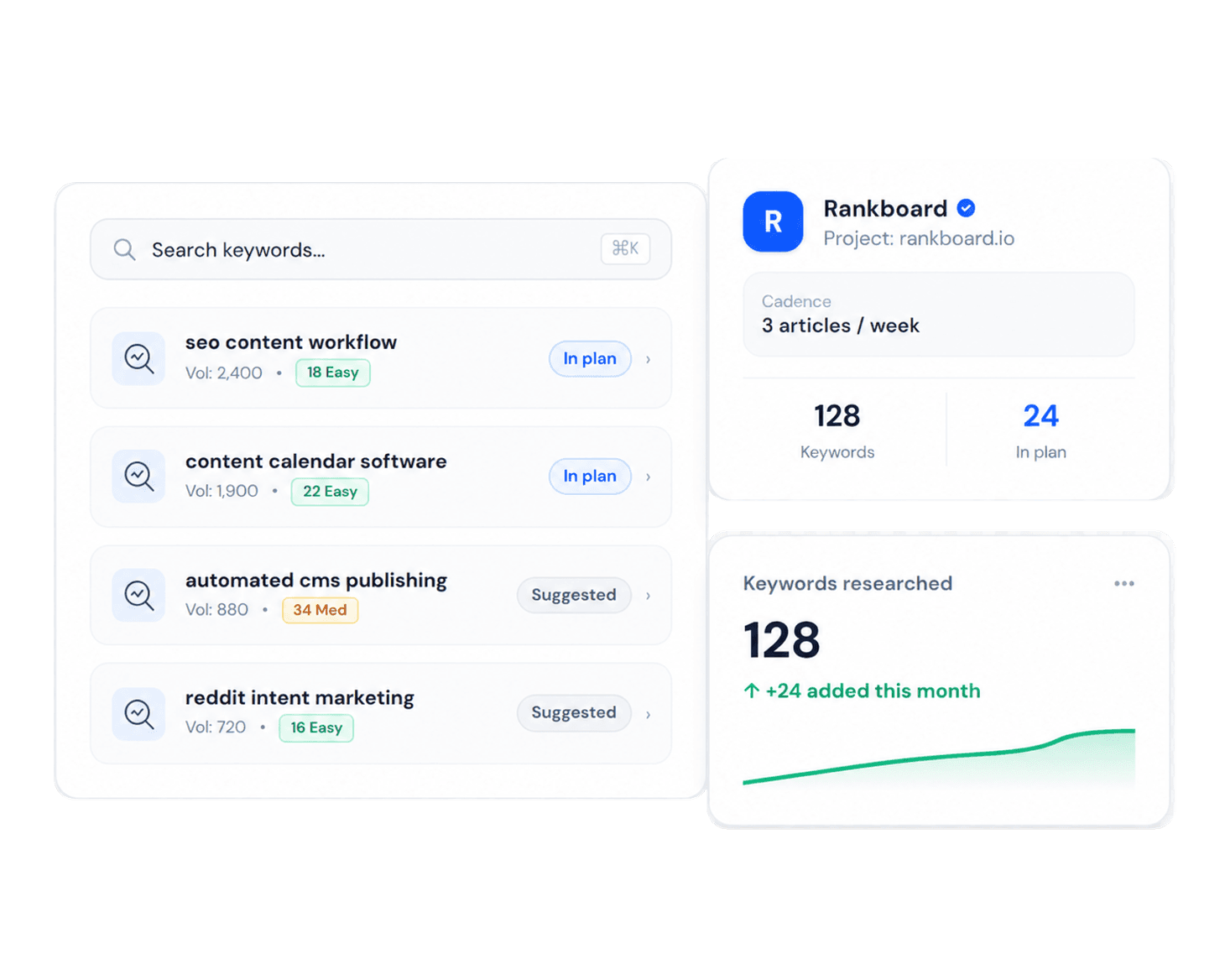
The dashboard shows keyword ideas with topic, search volume, and difficulty. Add the right opportunities to the content plan instead of letting weak topics fill the calendar.

KeywordTopicVolumeDifficulty
seo calendar softwarePlanning72021
content ops platformWorkflow1,90018
cms draft automationPublishing39014
3. Calendar and drafts

Turn selected keywords into scheduled article work

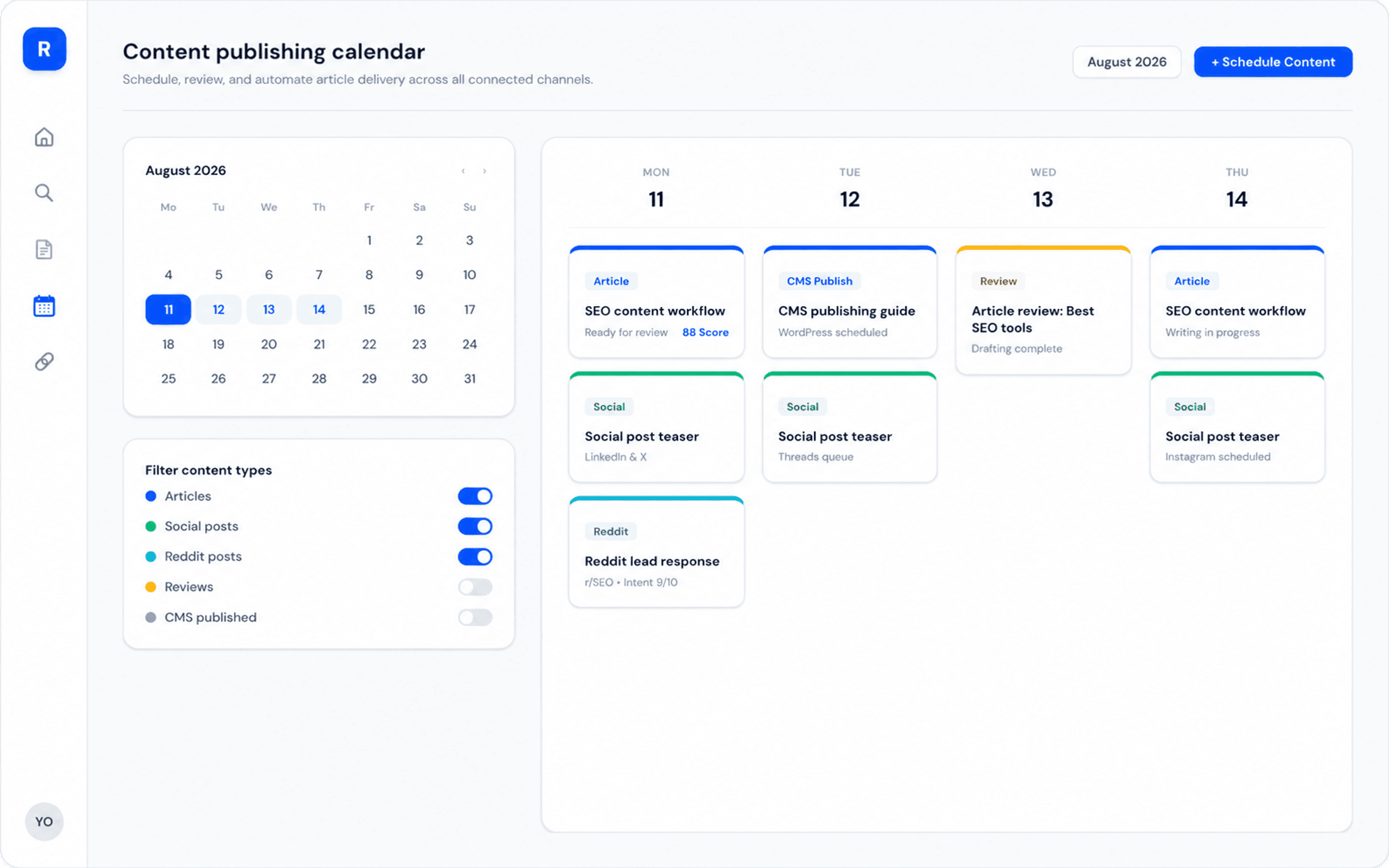
Upcoming slots are visible on the calendar and can be rescheduled or removed. Generated articles move through writing and review states before you push them to a connected CMS.

Mon
Article draft scheduled
Tue
Wed
Article draft scheduled
Thu
Fri
Article draft scheduled
Sat
Sun
Next
4. Guarded publishing

Publish as a draft or go live only when the project is ready

Connect WordPress, Ghost, Webflow, Shopify, or a webhook and choose draft mode or immediate publishing. Search Console, article scoring, metadata, internal links, AI images, and video embeds stay visible in the review flow.

Article score
92
Ready for review
Copy article
Copy metadata
Publish draft
Open CMS URL
Why it works

Automation with controls your team can inspect.

Rankboard is built for SEO-first content operations, not generic AI writing. The dashboard keeps keyword qualification, draft review, publishing mode, Search Console, and article enrichment in the same workflow.

KeywordsCalendarReviewCMSSearch Console

Keyword qualification

The keyword lab gives every topic a place to prove itself. Teams can review search volume, topic grouping, and difficulty before adding anything to the content plan.

Volume
Difficulty
Topic
Add to plan

Mandatory review path

Generated articles are not hidden behind an automation promise. Article status, score checks, metadata, links, images, and publishing controls stay visible before CMS sync.

Draft
Review
Score
Publish

Telemetry loop

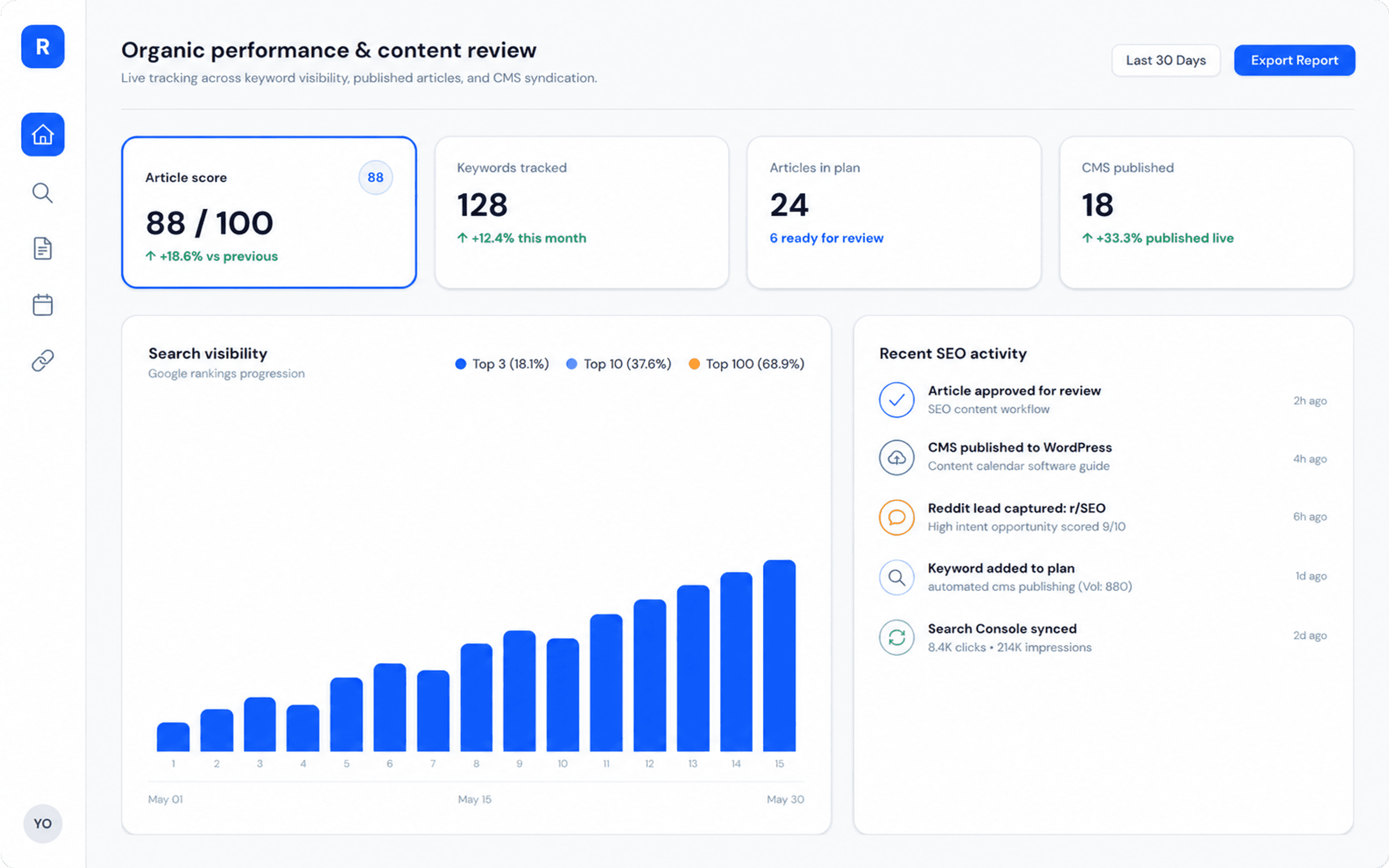
Search Console connects the workspace to real performance data. The product can attach telemetry to the project instead of planning content from disconnected assumptions.

OAuth
Property
Sync
Signals

Content calendar

Upcoming articles are scheduled, rescheduled, and removed directly in the app.

Article scoring

The reader checks headings, structure, terms, keyword density, and links.

AI image styles

Choose photography, illustration, flat, poster, clay, and other visual styles.

YouTube embeds

Relevant video embeds can be included when the project calls for them.

Goal pages

Define pages that generated articles should support with contextual CTAs.

Localized projects

Country and language settings keep the content workflow tied to the market.

Integrations

Connect once. Rankboard handles the rest.

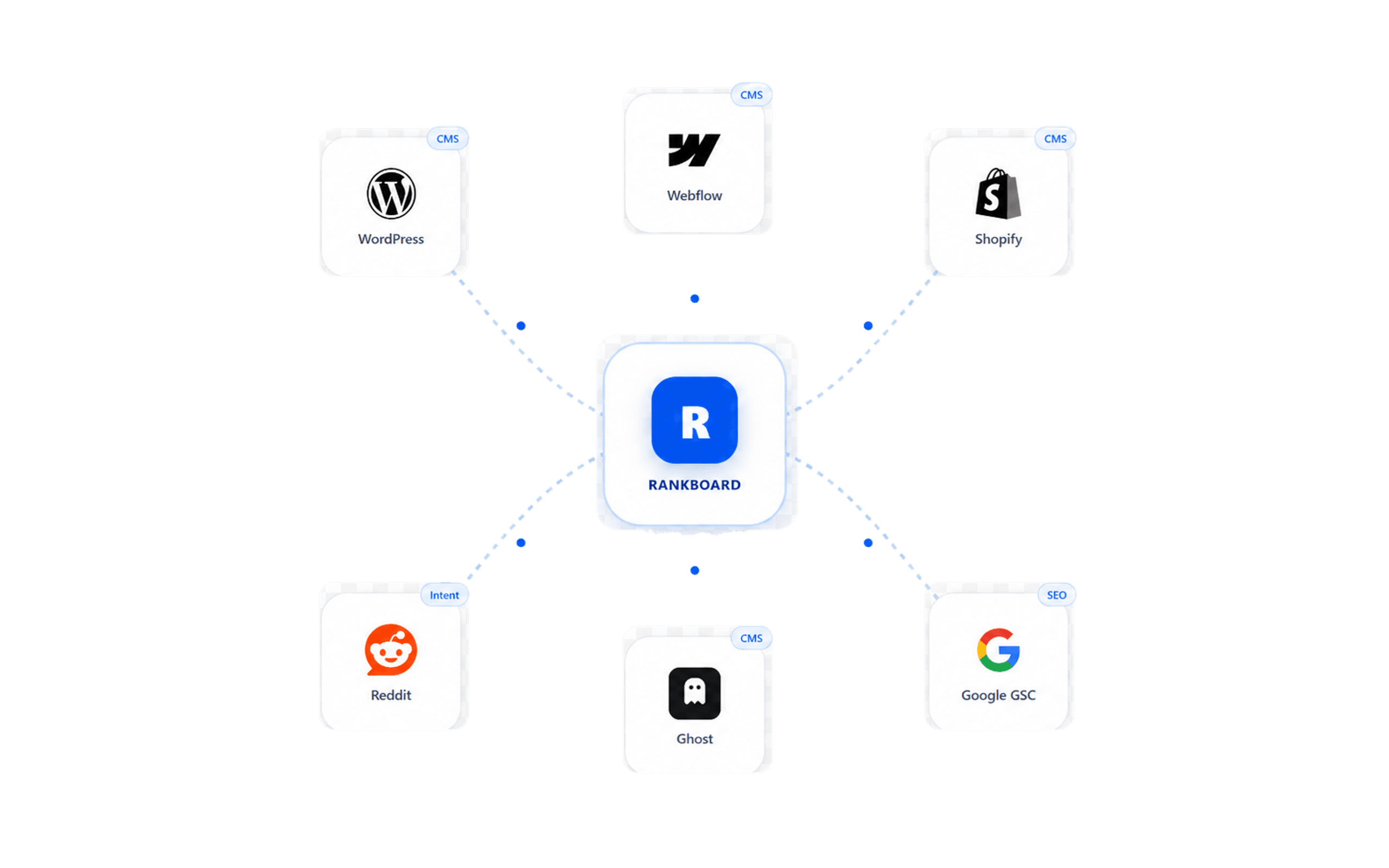
Rankboard plugs directly into the CMS providers supported in the dashboard. Send articles as drafts for human approval, or publish immediately when the project is ready for that workflow.

Try for free
WordPress
Ghost
Webflow
Shopify
Google Search Console connects separately in project settings, so telemetry can inform the workspace without sharing CMS credentials.
Inside Rankboard

The dashboard has the controls content teams need.

Every feature here maps to a real product surface: settings, calendar, article reader, billing, integrations, or Search Console. That keeps the workflow easy to inspect before anything reaches the CMS.

Project settings

Manage project name, market, language, publishing days, publish time, notifications, and Search Console from one settings area.

MarketLanguageSchedule

Article settings

Choose draft or publish mode, enable generated images, pick visual styles, add videos, and define goal pages for CTAs.

ImagesVideosGoal pages

Billing and projects

The dashboard shows Business plan status, project allowance, and AI point usage across drafting, refresh, image, and video requests.

PlanProjectsAI points

Calendar control

Content slots stay editable. Reschedule or remove planned articles without leaving the calendar view.

PlannedGeneratedReschedule

Article reader

Open generated articles with metadata, score checks, copy actions, CMS sync state, and publish controls.

ScoreMetadataPublish

CMS publishing

Connect WordPress, Ghost, Webflow, Shopify, or a webhook with provider-specific credentials saved per project.

WordPressGhostWebhook
Article controls

Enrichment is configurable, not assumed.

Teams can keep output text-only, add generated visuals, include videos, or route article CTAs toward selected goal pages.

Publishing mode
Drafts before approval
Generated visuals
9 image styles
YouTube videos
Optional embeds
Goal pages
Contextual CTAs
Your all-in-one SEO platform

One Business plan for the workflow.

Background
Business plan
Free trial available
$99
/month
Start your free trial
Start today with:
  • Keyword lab with search volume and difficulty
  • Editable content calendar with rescheduling
  • Generated article reader with score checks
  • Draft or publish mode for connected CMS platforms
  • Google Search Console connection per project
  • WordPress, Ghost, Webflow, Shopify, and webhook publishing
  • Multi-project workspace and project allowance tracking
  • Relevant YouTube videos embedded in articles
  • AI generated images with 9 selectable styles
  • Goal pages for contextual article calls to action
  • 50+ language options and global market targeting
FAQ

Frequently Asked Questions

Rankboard keeps SEO content operations in one workflow: project context, keyword opportunities, content calendar, generated articles, review controls, Search Console, and CMS publishing.

You review keyword opportunities before they enter the plan, then use the calendar and article reader to control what gets drafted, reviewed, and published.

Background

Put your SEO content workflow in one dashboard.

Start with project context, review the keyword backlog, and publish approved CMS drafts when ready.

SEO content operations
Plan, review, and publish from one dashboard.
Human reviewCMS drafts
Content calendar
Slots filled from researched keywords
Draft mode
MonPlanned
Review keyword backlog
WedWriting
Draft buyer guide
FriReview
Publish CMS draft
Keyword lab
Search volume, topic, and difficulty
Ready to add
content operations platform
1,900
18
seo content calendar
720
21
automated article workflow
480
16
Article review
Score checks before publishing
92
Headings
Structure
Terms
Internal links
Article controls
AI images
YouTube embeds
Goal pages
Search Console